Oracle LiveSQL allows you to learn and share SQL, for free. You get instant access to the Oracle Database and learn from a collection of community scripts and tutorials. You can write your own SQL scripts and easily share them with others. All you need to get started is your Oracle.com account.No need to deal with any installation tasks, just run Oracle Database statements from the comfort of your browser.
There are a great many things worth saying about LiveSQL. The fact that it was rewritten for a much smoother developer experience for example. It also allows you to effortlessly switch between Oracle Database 19c and 23ai via a drop-down menu. And LiveSQL makes sharing code a trivial thing, even for your blog – have a look at this blog post for instructions how to use the “Run in LiveSQL button”. There is of course a lot more to explore…
You can run MLE/JavaScript code in LiveSQL from now on!
The other one I would like to mention support for In-Database JavaScript, powered by Multilingual Engine (MLE), in LiveSQL. This is a great feature for anyone who wants to get his or her feet wet in the latest server-side development language.
All you need to do is sign in to LiveSQL, and start running examples like the one below:
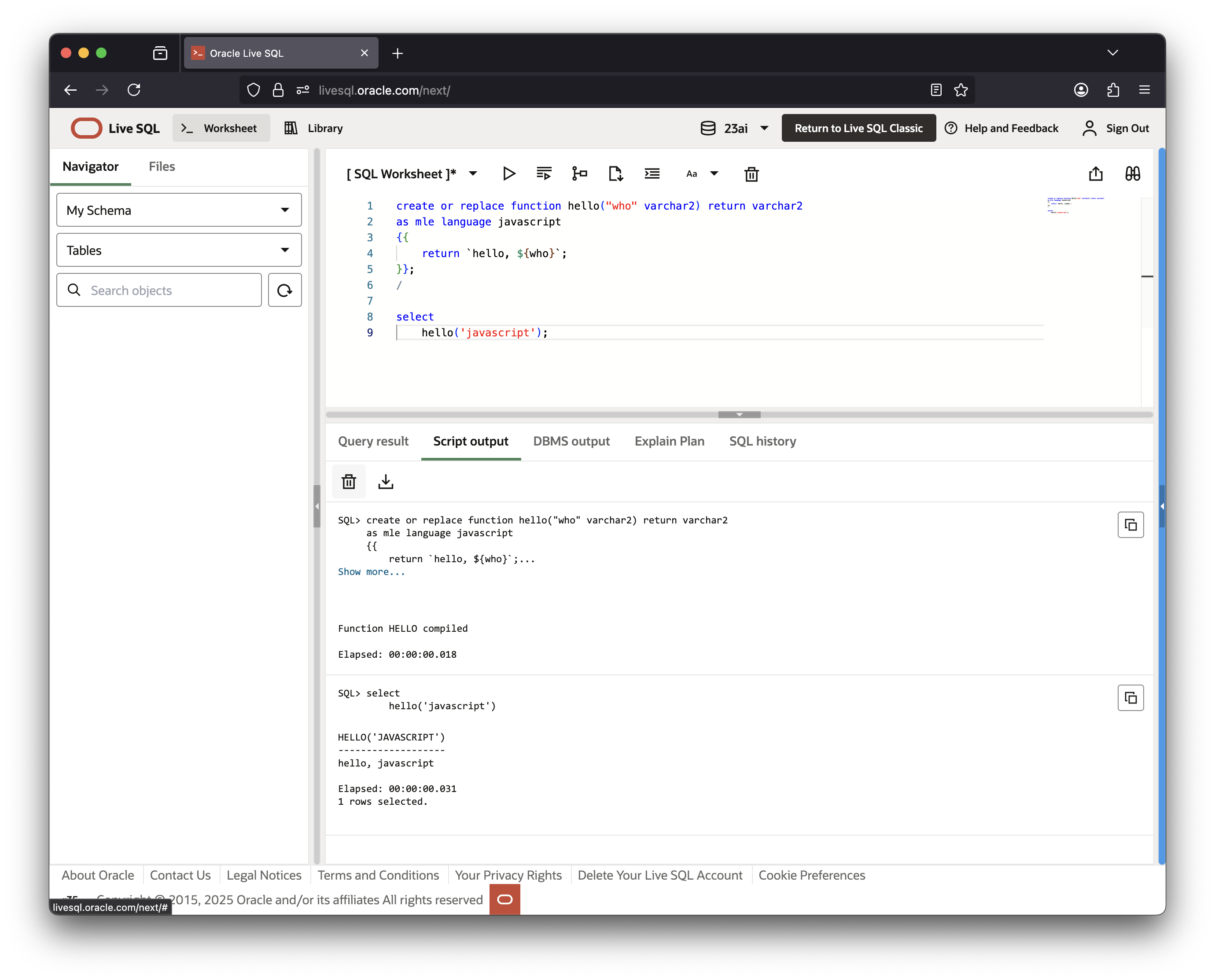
No setup, no installation, no configuration – none are required. Just run the snippet from your browser, and you’re done. Click this button to see how it works:

I really like this “share the code” feature – here’s a blog post describing how to do that for your site.
Remember that Oracle releases new functionality with each Release Update (RU). If you want to stay on top of things with regards to MLE/JavaScript, you may want to bookmark the “what’s new in this release page“
Happy testing!
 Martins Blog
You must be logged in to post a comment.