In-Database JavaScript, powered by Multilingual Engine (MLE) debuted as a major feature in Oracle AI Database 26ai. Starting with the Developer Preview (Release 23.2) a few years ago, you could write user-defined functions and procedures in JavaScript in addition to PL/SQL and Java.
But you may ask yourself: how do I get started? There’s an answer for that, and it’s called LiveLab.
Oracle LiveLabs
Oracle’s LiveLabs make it easy to try Oracle technologies. And the best thing? You don’t even have to install, download, or configure anything-backed by Oracle Cloud Infrastructure you can request an environment tailored to your LiveLab, and Oracle will provide one for you. If you feel inclined, you can, but you certainly don’t have to run the respective stack in your environment.
Is there one for JavaScript?
If LiveLabs are so easy to use, surely there has to be a LiveLab for MLE/JavaScript, and there was one pretty much from the get-go.
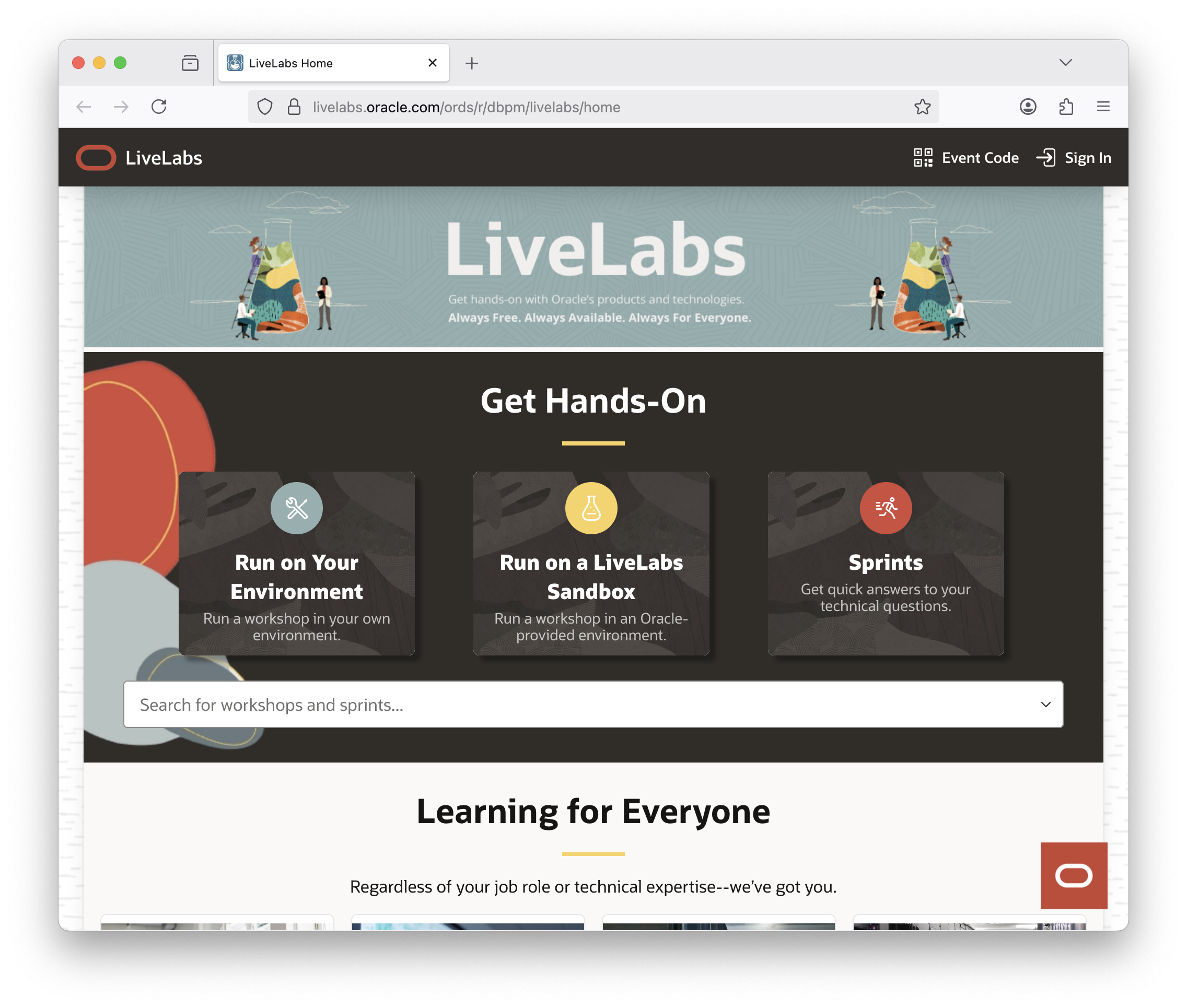
You can access the LiveLab directly via this 🔗 link
This Lab has been updated a couple of weeks ago, switching from a noVNC-based environment to Oracle AI Autonomous Database 26ai. This switch should greatly enhance your experience, and make the lab more accessible to everyone: all you need is a web browser, nothing else.
If you want to, you can of course run the LiveLab in your own tenancy, but it’s easiest to get an Autonomous AI Database instance from Oracle’s pool. Watch this short video to get started with LiveLab.
I’d love your feedback—let me know what you think!
 Martins Blog
You must be logged in to post a comment.