I’m a huge fan of Oracle’s SQL Developer Extension for VSCode. I use it on a daily basis, and it has been invaluable to me. I particularly like the great integration into Git, and it’s built on top of a solid foundation that is Visual Studio Code. Recently I found out about GitHub CodeSpaces. After a tiny bit of experimenting with that combination, I managed to build a small showcase, demonstrating a few aspects of server-side JavaScript, running directly within a Codespace. It allows you to experiment with Oracle AI Database 26ai Free, VSCode, the SQL Developer extension and most importantly (to me, at least), JavaScript.
Provided you can use Codespaces all you need to do is point your browser to my GitHub, and start a Codespace on the main branch. Be WARNED though: the use of Codespaces might incur cost!
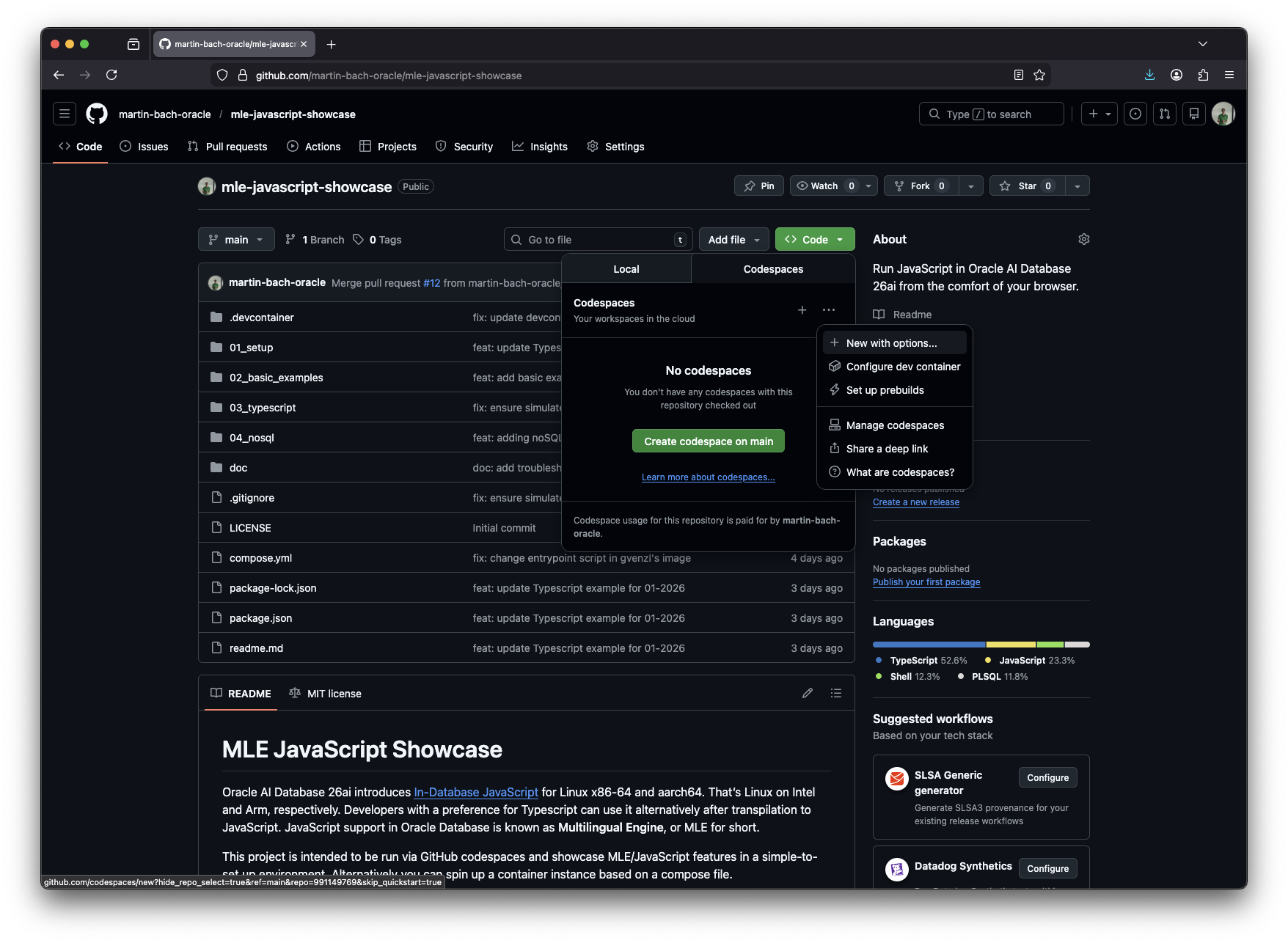
To create a Codespace click on the green <> Code> button. In the ensuing dialog, click on the Codespaces tab, next on the three dots ... followed by new with options. Select the options that suit your needs, you should be fine with the default 2 CPUs and 8 GB of RAM. A click on create Codespace initiates the process.
Thanks. to its roots based in Electron, you’ll your browser just transformed into VSCode. After a little while your Codespace is ready and you can set your connection up. The details on how to do that can be found in the repository’s readme file.
Happy experimenting! Here’s a short video showing me using the larger of the 2 configurations to create a database instance, a connection to it, and running a few queries.
Feedback is welcome! If you have any questions, suggestions, improvements – please fork the repository, implement what you have in mind and create a pull request!
 Martins Blog
You must be logged in to post a comment.