This is a very quick note concerning database connections in SQLDeveloper Extension for VSCode on MacOS. All your connection details are stored in $HOME/.dbtools. That includes both the folder structure as well as the connections themselves. Which connections I hear you ask? The ones in the top-left corner of the screen, as you can see in this screenshot.
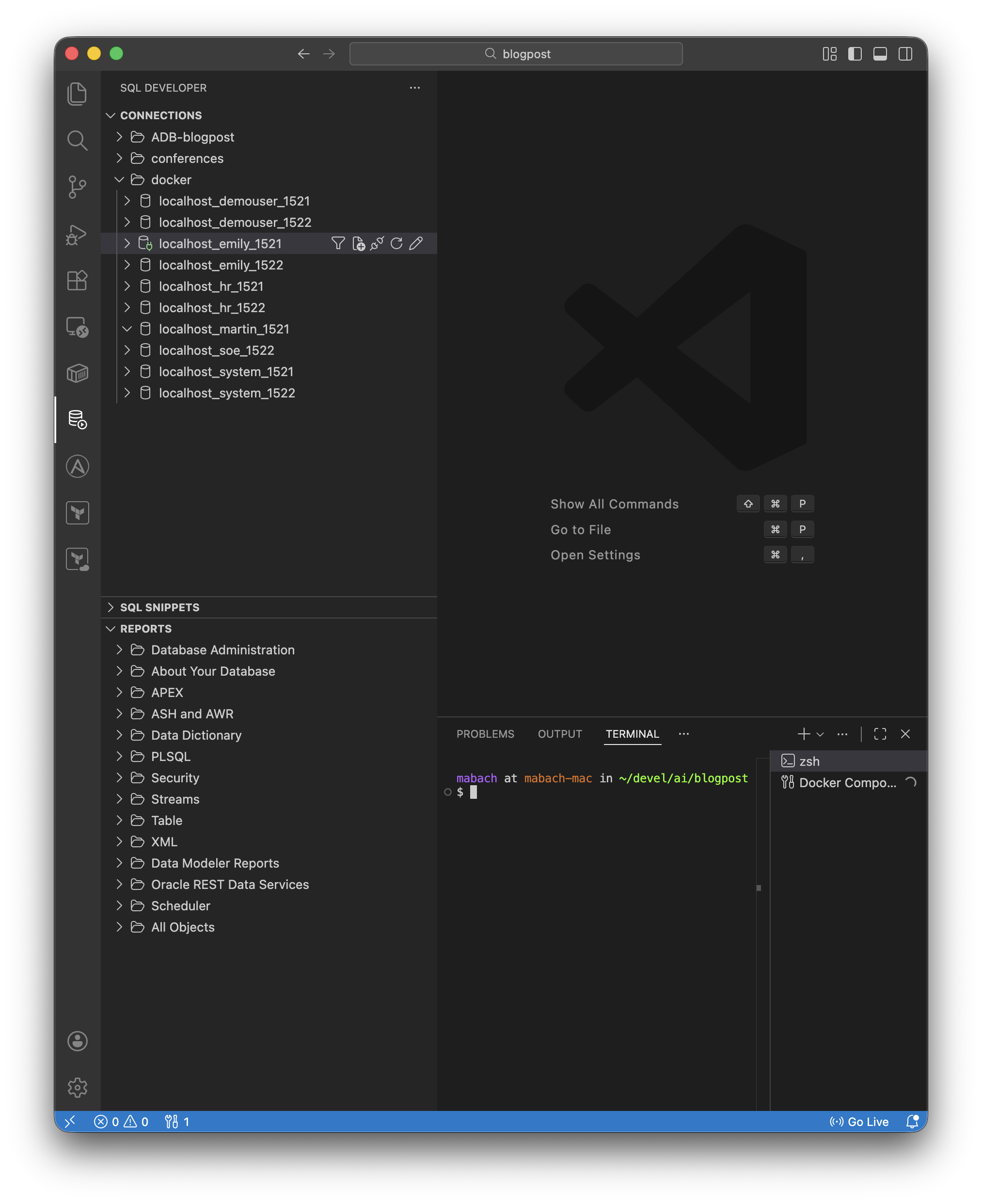
You can easily save these using standard operating system commands, something definitely worth doing. Don’t ask why I know.
Security conscious users may want to exercise caution: your connection can optionally store passwords. You don’t want them to end in the wrong location.
On Windows, you find the connection settings in %APPDATA%\Roaming\DBTools by the way. Be careful with these directories 😀
 Martins Blog
You must be logged in to post a comment.