Oracle AI Database 26ai documentation is becoming interactive ⌨️! Instead of copying SQL examples into your own environment (which you may have to set up…), you can now execute selected code snippets directly from the documentation using FreeSQL.
You’ve probably heard about the great work that has gone into FreeSQL, allowing you to run Oracle SQL, PL/SQL, and JavaScript directly in your browser. No setup required, switch between releases, connect Node.js, Python, and other clients seamlessly, and much more. Freesql is undoubtedly the quickest way to get started with Oracle AI database.
FreeSQL isn’t just useful for developers; Oracle is using it to improve the documentation as well. The doc team is now taking advantage of FreeSQL by embedding runnable examples throughout the documentation.
Want to see what a particular code snippet does?
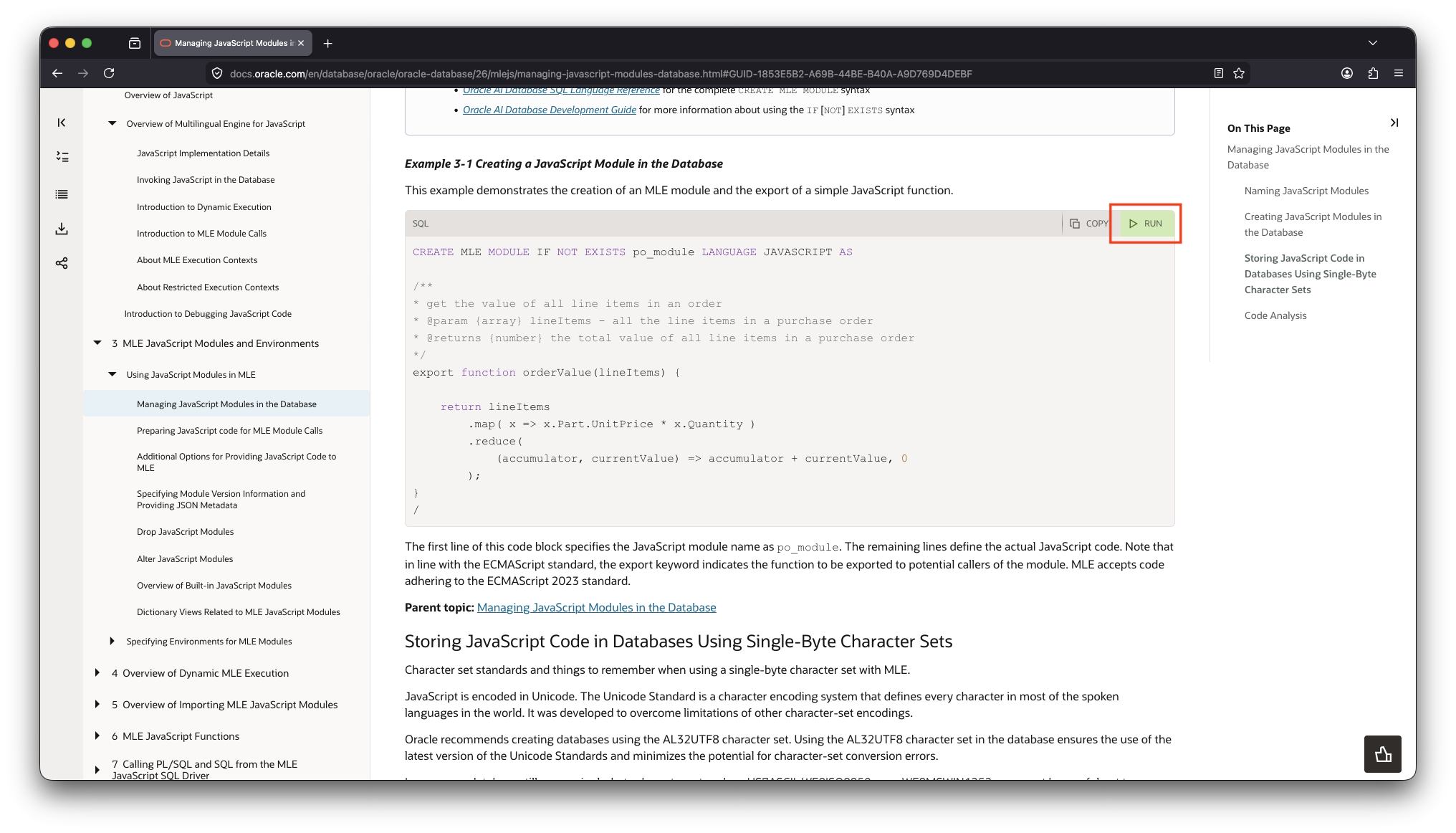
Just click the new Run button (where available). You’ll be taken straight to FreeSQL, where you can execute, analyse, and modify the example yourself. Instead of simply reading the documentation, now you can experiment with every snippet and immediately see how it behaves.
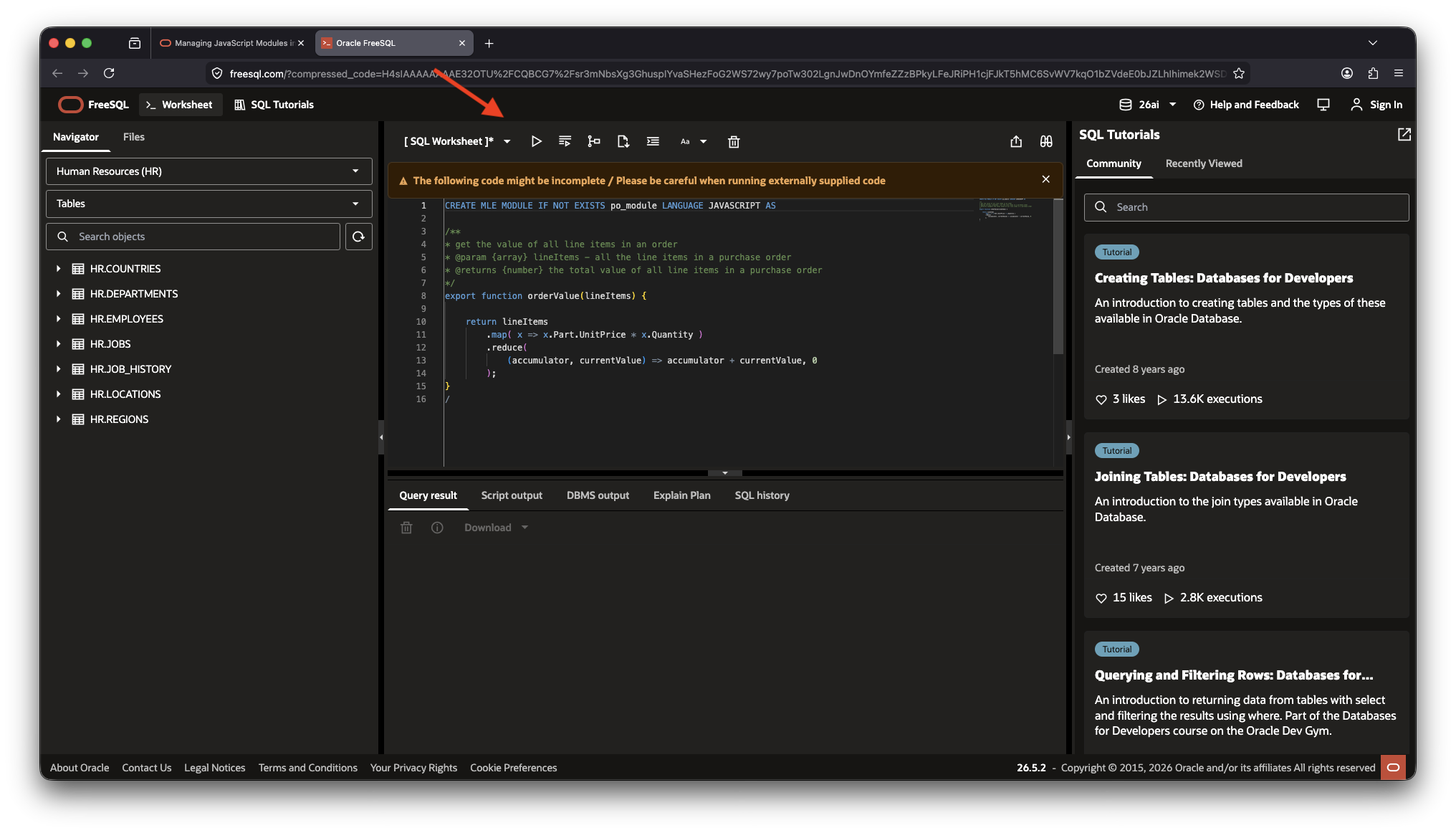
Here’s a short video showing the feature in action. It is this simple (although I skipped the login process, apologies!)
The team is gradually rolling out this feature across more documentation guides, so expect to see many more runnable examples over the coming months.
Have fun!
 Martins Blog
You must be logged in to post a comment.